The live Earth,
on your desk.
A small desk globe with a round screen that shows Earth as it looks right now: today's daylight, yesterday's clouds from NASA satellites, and city lights on the night side.
The real Earth, right now
Day and night
Wherever it's daytime on Earth, it's daytime on the globe, with a soft twilight where day turns to night. Watch it in real time, or speed it up to see a whole day pass in two minutes.
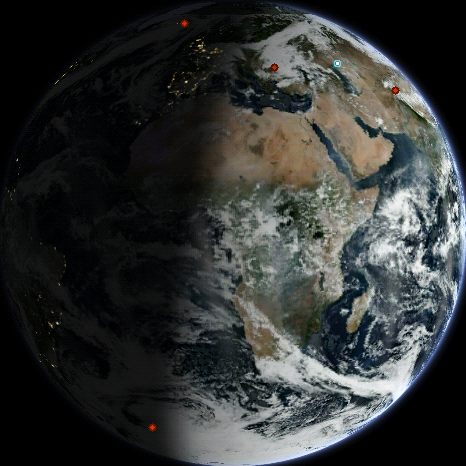
City lights after dark
As evening reaches each city, its lights come on. The clouds are real too: the globe downloads fresh satellite images from NASA every few hours.
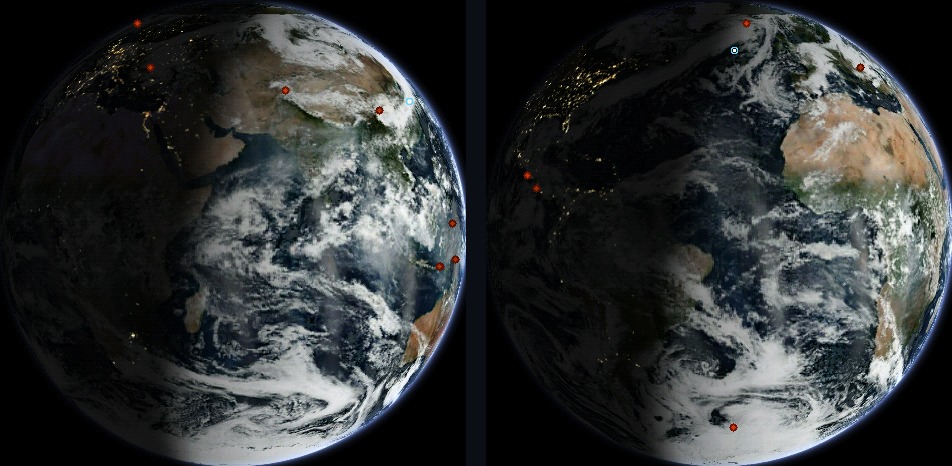
The Space Station and earthquakes
The little blue ring shows where the International Space Station is right now. The red dots are the past day's earthquakes; stronger ones are bigger.
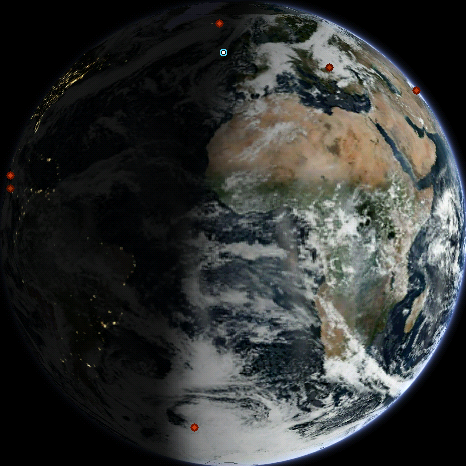
Eleven views, one tap
Switch to the Moon, the Sun, any planet or tonight's sky with one tap on the settings page. The night sky view shows the stars over your home and the Moon in tonight's phase. You can also have a tide chart for the nearest US coast pop up every hour or so.

Time and weather, on the half hour
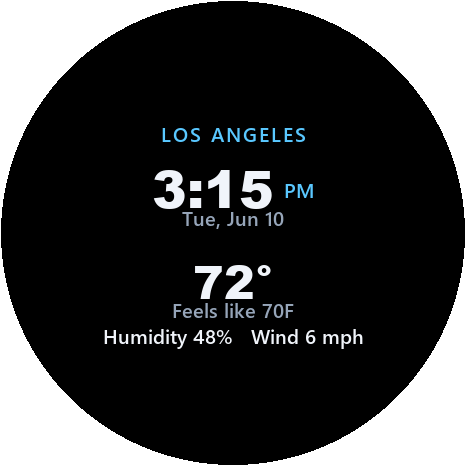
A quick look, then back to Earth
Every half hour (or less often, if you prefer), the globe shows the time and your local weather for about 25 seconds. It works out your location and time zone on its own.
Your videos, on the globe
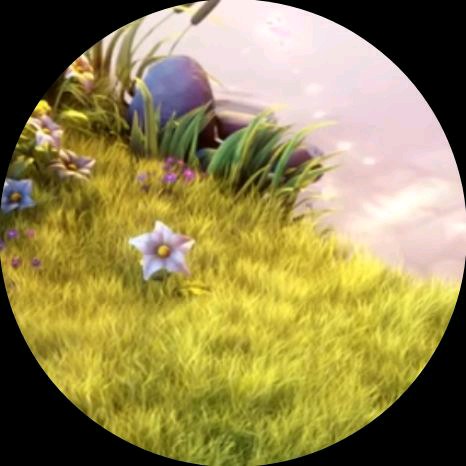
Show a YouTube or Vimeo video, a clip from your phone, or anything playing in a browser tab. It goes straight to the globe over your WiFi, trimmed to fit the round screen. There's no sound, it plays at about ten frames a second, and there's nothing to install.
Just the video
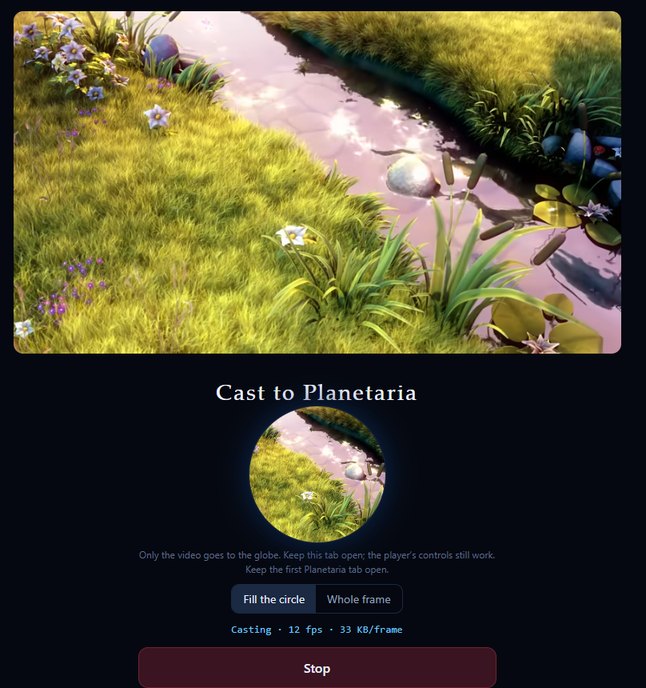
The globe shows just the video, not the rest of the web page. Fill the circle, or shrink the picture to fit inside it.
Three ways in
Paste a link, choose a video file, or share a browser tab. Links and tabs need Chrome or Edge on a computer; files work from a phone too.
Playlists
Queue up videos and links, leave the page open on a spare laptop or tablet, and they play one after another. Pause or skip from any phone in the house.
A clip of its own
Save a short clip on the globe itself, and it plays every time the globe turns on. No phone needed.
Set up in two minutes
Plug it in
Use any USB-C phone charger. The globe starts its own WiFi network, called Planetaria-Setup.
Connect your phone
Join that network and a setup page opens. Choose your home WiFi and enter the password. School and office networks are supported.
That's it
The page shows you where to find the globe's settings. After that, clouds, weather and the time take care of themselves.
Updates
Updates install automatically over WiFi. You can also reinstall the software over USB with the web installer in Chrome or Edge (it asks for a passcode).
Specifications
| Display | 1.75″ round AMOLED, 466 × 466 |
| Processor | ESP32-S3, dual-core 240 MHz · 8 MB PSRAM · 16 MB flash |
| Data | Clouds from NASA, weather from MET Norway, earthquakes from the USGS, tides from NOAA, the Space Station's position from CelesTrak. All free and open, with no accounts |
| WiFi | 2.4 GHz. Works with home, school and office networks, and remembers up to three |
| Controls | A settings page you open in any web browser |
| Power | USB-C, 5 V |
| Privacy | Your settings stay on the globe, and your videos never leave your home network |